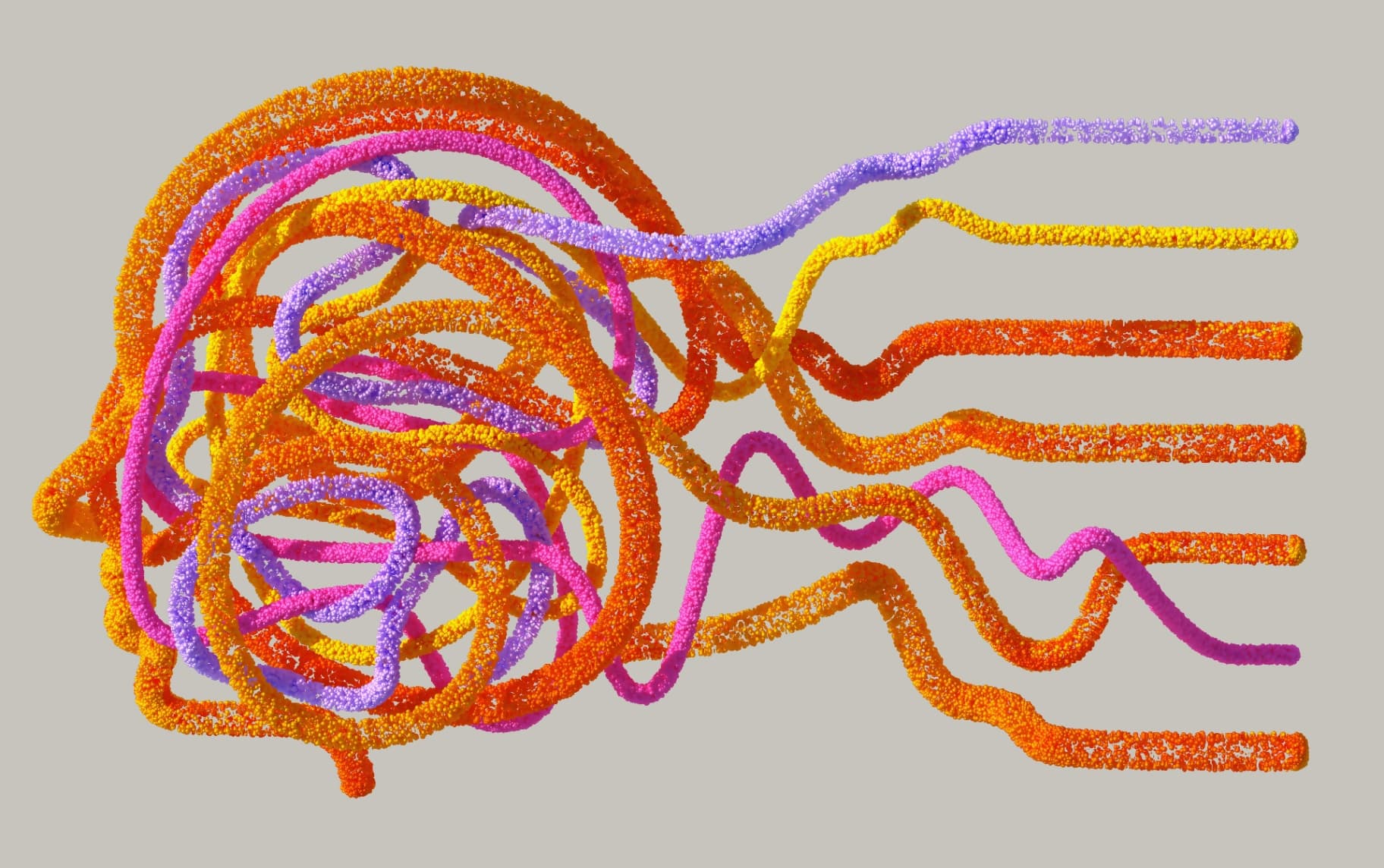
If you have ADHD, your relationship with productivity apps probably looks a bit like this: You find a new, incredibly powerful tool. You spend four hours hyper-focusing on setting up the perfect dashboard, color-coding your folders, and linking databases. You feel like you've finally solved your life.
Three days later, you completely abandon it because opening the app feels like a chore.
Welcome to the graveyard of productivity tools. If you’re tired of note-taking apps that feel like a second full-time job, you aren't alone. The problem isn't your brain; the problem is that modern note-taking tools are built for complex data architecture, not for the fast, chaotic, and brilliant way the ADHD brain actually works.
Here is why your current setup is failing, and how shifting to a "just write" philosophy can finally help you capture your ideas without the burnout.
The Problem: Setup Fatigue and "App Overwhelm"
Tools like Notion and Obsidian are incredible. But for an ADHD brain, they often present a massive trap: Setup Fatigue.
When an app gives you a blank page with infinite possibilities, plugins, blocks, and database configurations, it creates friction. Every time you want to jot down a simple thought, you have to make a dozen micro-decisions: What tag does this need? Which folder does it go in? Does it need a custom icon?
By the time you figure out where to put the note, you’ve forgotten the brilliant idea you wanted to write down.
When you just want 3 features but the app gives you 300, the mental load becomes too heavy. "Out of sight, out of mind" is a real challenge with ADHD; if a note requires clicking through three sub-pages to find it, it might as well not exist.
The ADHD Note-Taking Framework: Less is More
To build a note-taking habit that actually sticks, you need a system that eliminates friction. The ideal ADHD note-taking app should have:
Zero Onboarding: No databases to configure. You should be able to open it and just type.
A Built-in "Fresh Start": The ability to dump your brain into a daily log without organizing it first.
Contextual Reminders: Because if an action item isn't staring you in the face, you will forget it.
High Speed: It must load fast and search instantly.
Enter Notiyo: The Antidote to Overwhelming Apps
As developers who understand the struggle of tool-fatigue, we built Notiyo specifically for people who are exhausted by complex workspaces.
Notiyo is a simple, beautifully clean web-based note-taking app. Our philosophy is straightforward: Write anywhere. Access everywhere. Act on your ideas.
There is nothing to install, no plugins to manage, and absolutely zero databases to configure. You open your browser, write your note, and close it.
Here is how Notiyo’s specific features are designed to work with the ADHD brain, rather than against it:
1. The Power of "Daily Notes"
Decision paralysis is the enemy of capturing ideas. That’s why Notiyo automatically generates a fresh note every morning (e.g., "23 May 2025, Friday"). Your starting point for the day is always ready. You don't have to decide where an idea belongs—just dump it in your Daily Note and move on.
2. Action Items Right Where You Need Them
With ADHD, context switching (moving from a note app to a task manager) is where productivity goes to die. Notiyo uses simple "Slash Commands" to keep you in the flow. Just type / in your editor:
/todo: Instantly add an inline task right inside your meeting note. You can even set a
remindAtdate and make it recurring./followup: Need to remember to check back on a specific project? Add a follow-up reminder linked directly to the context of that note.
3. Spaced Repetition Built-In (/learn)
Working memory struggles are a hallmark of ADHD. Whether you are learning a new language, memorizing a formula, or just trying to remember an important quote, Notiyo has a built-in spaced repetition system. Just highlight the text, type /learn, and Notiyo will prompt you to review it at increasing intervals (1, 3, 7, 14, and 30 days) until it's permanently locked in your brain.
4. Zero Distractions, Total Security
Notiyo offers a clean Dark Mode to reduce eye strain, and a lightning-fast search that scans all your folders in milliseconds. And if you have a tendency to get distracted and leave your laptop open? You can lock any specific note or folder with a PIN code, keeping your private thoughts safe even on shared devices.
5. Seamless Organization (Only If You Want It)
If you do want to organize, it’s as simple as dragging and dropping notes into nested folders, or pinning your most important notes to the top. If you mess up and delete something by mistake, the Trash feature holds onto it so you can always recover it. Your data is automatically backed up to the cloud daily, and you can export everything to a JSON file whenever you want.
Stop Managing Your Notes. Start Acting on Them.
You don't need a more complicated productivity system; you need a simpler one. You need a tool that lets you capture your brilliance without punishing you for not color-coding it.
Stop spending hours building workspaces you'll never use. Try the simpler way.